Pearl Chat
Talk, call and plan, in 20 languages.
Everything in Pearl Chat, from voice notes to reading rooms. It all opens from your chats.

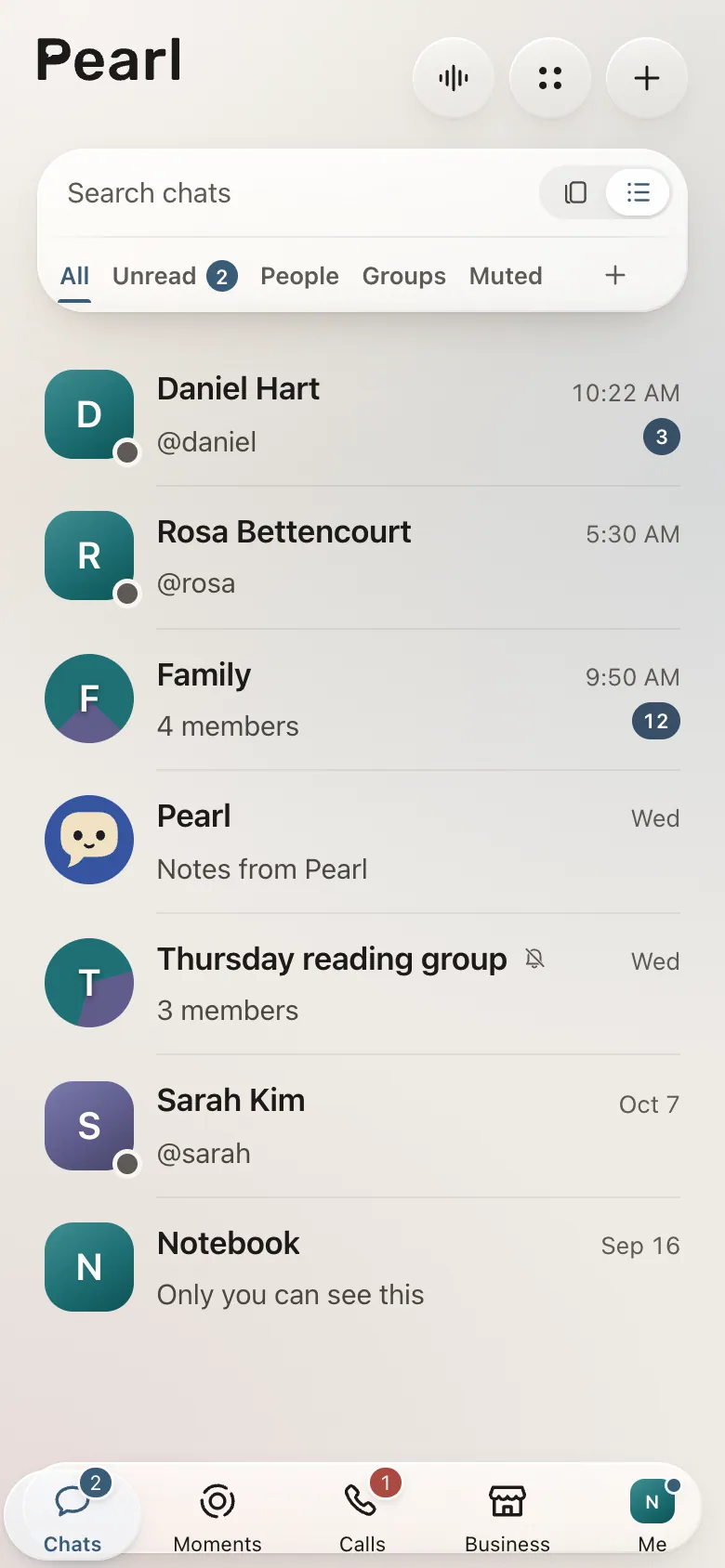
Messages
Reply, react, or unsend.
Reply to one message and react to another. Send a photo, a video or a voice note. Write it tonight and have it sent in the morning. Sent the wrong thing? Unsend it.
- Replies, reactions and mentions
- Photos, videos, voice notes and files
- Scheduled and disappearing messages
- Unsend for everyone, or hide just for you
Translation
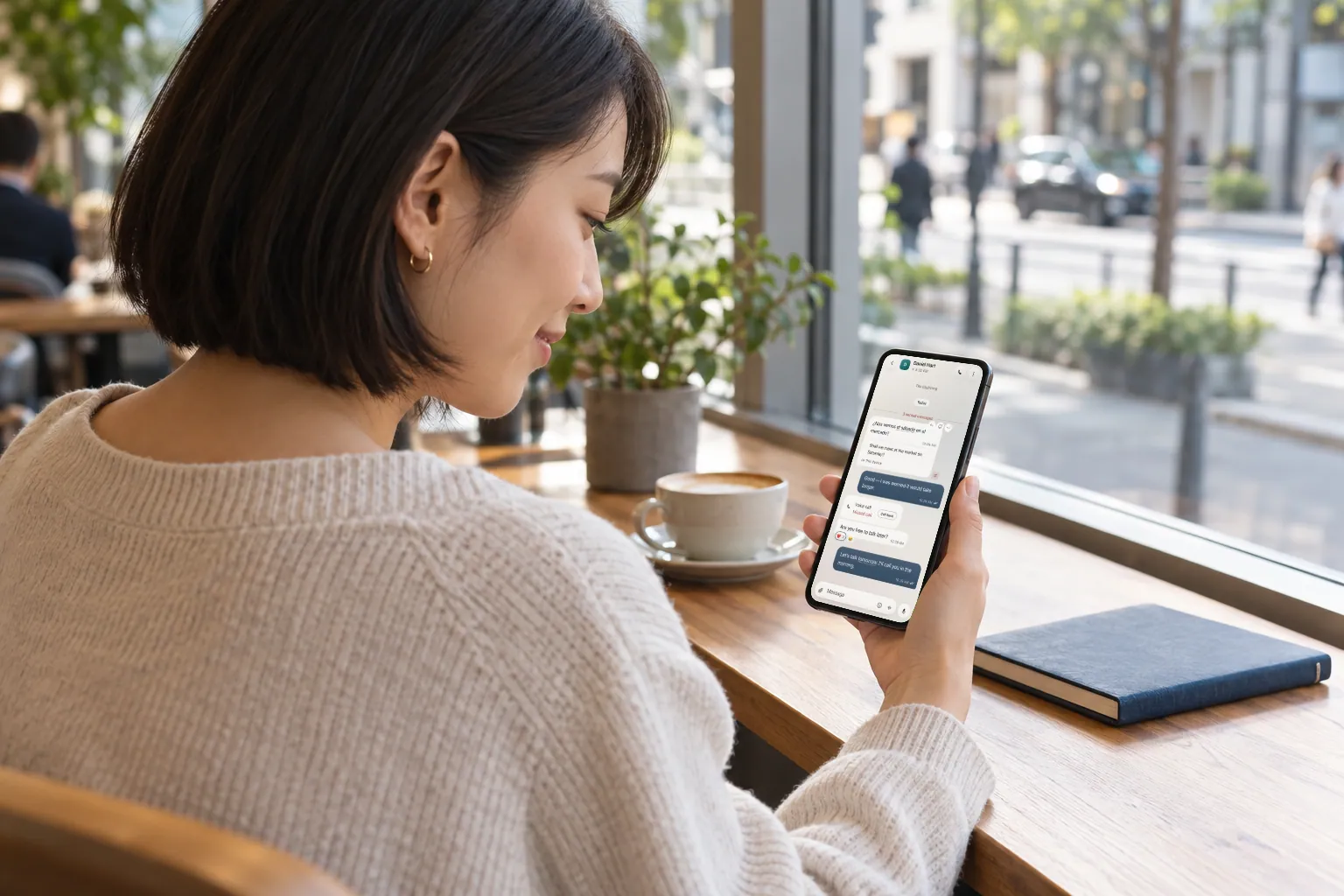
Everyone writes in their own language.
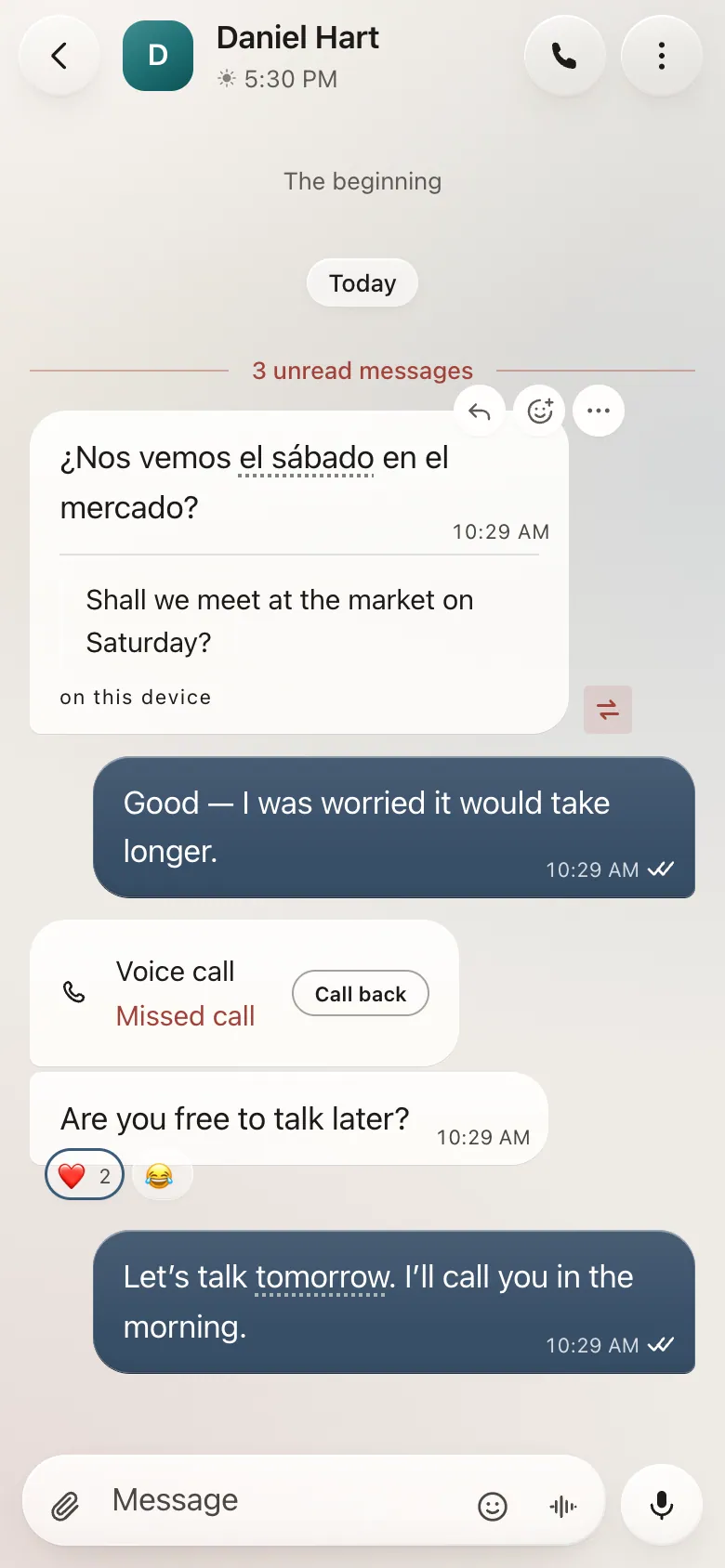
Pearl translates between 20 languages. Tap the red seal on a message to read it in yours, with the original beside it.
- Translated on your device whenever possible
- Look up one word, or translate just the part you select
- Save new words and learn as you chat
Mix any of these in one chat
- Bahasa Indonesia
- Deutsch
- English
- Español
- Français
- Italiano
- Kiswahili
- Português (Brasil)
- Tiếng Việt
- Türkçe
- Русский
- اردو
- العربية
- मराठी
- हिन्दी
- বাংলা
- తెలుగు
- 한국어
- 中文
- 日本語
Calls
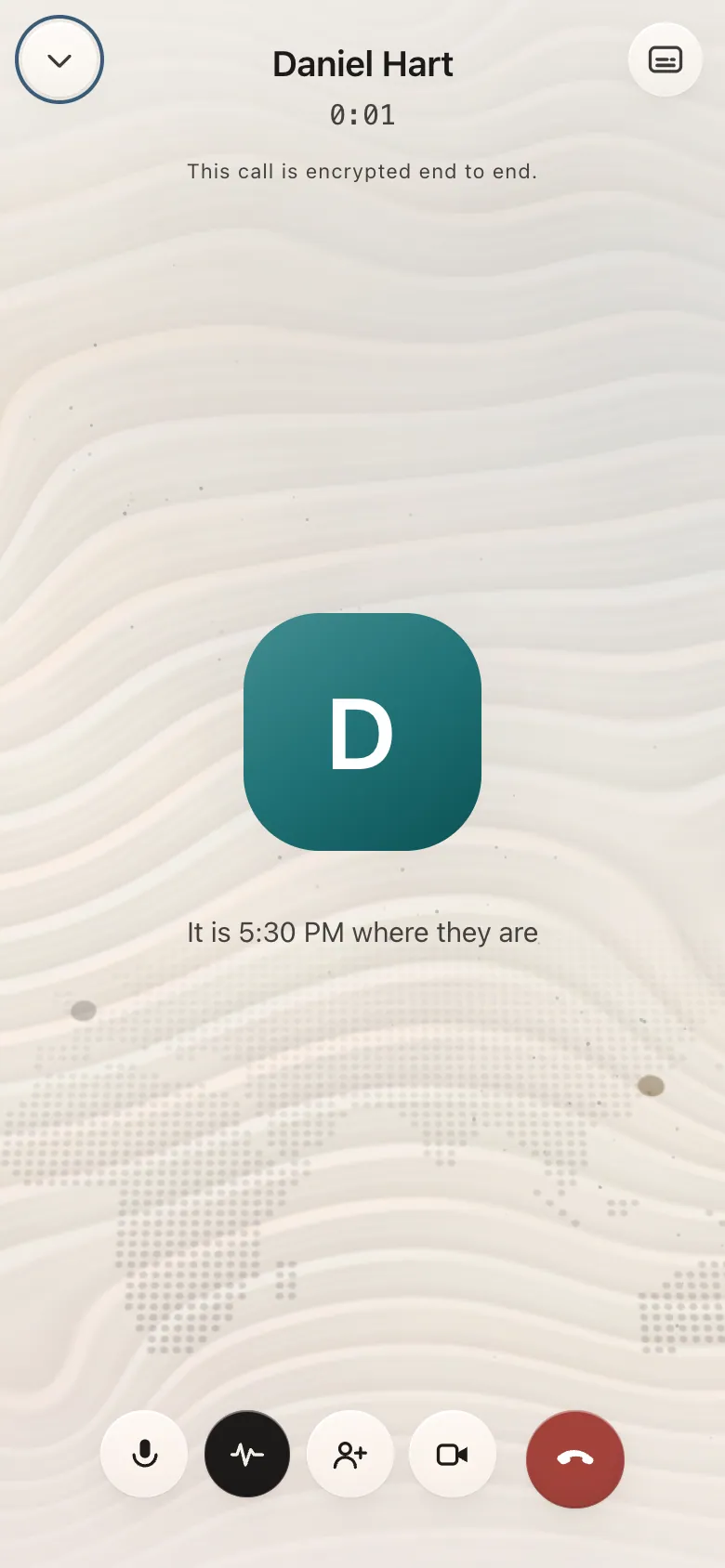
See their local time before you call.
Voice and video calls, one to one or in a group, encrypted end to end. Pearl shows the time where they are, right on the screen.
- Voice and video, one to one or in groups
- Captions and screen sharing where your device allows
- Missed calls and call history in one place

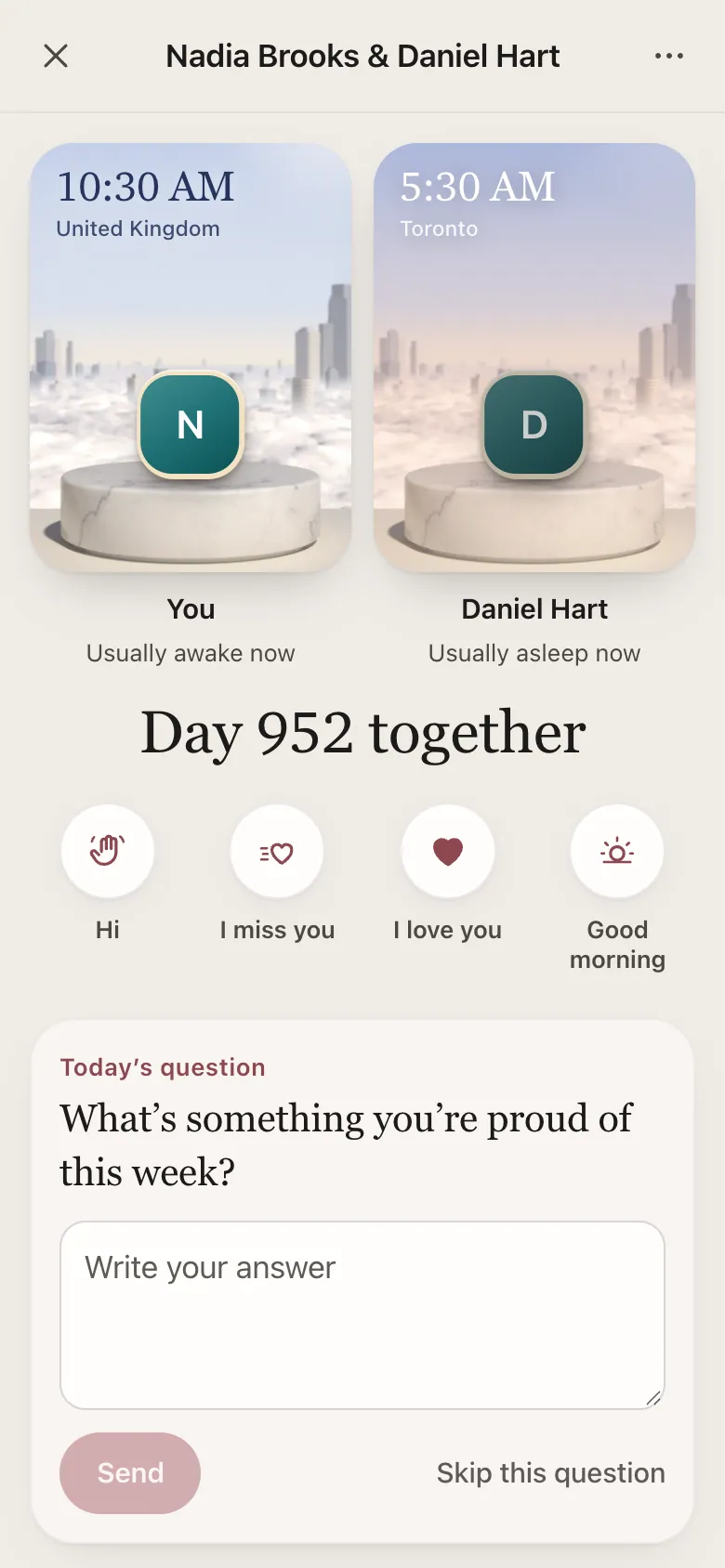
Couples mode
A space for just you and your partner.
Turn it on in your chat with your partner. It only starts once you both say yes. You get a question to answer each day, little touches, countdowns to the days that matter and your story so far. Only you two can see what’s in it.
- Encrypted end to end, like your chats
- Each other’s time of day, across time zones
- No streaks, no scores, no location tracking
Voice
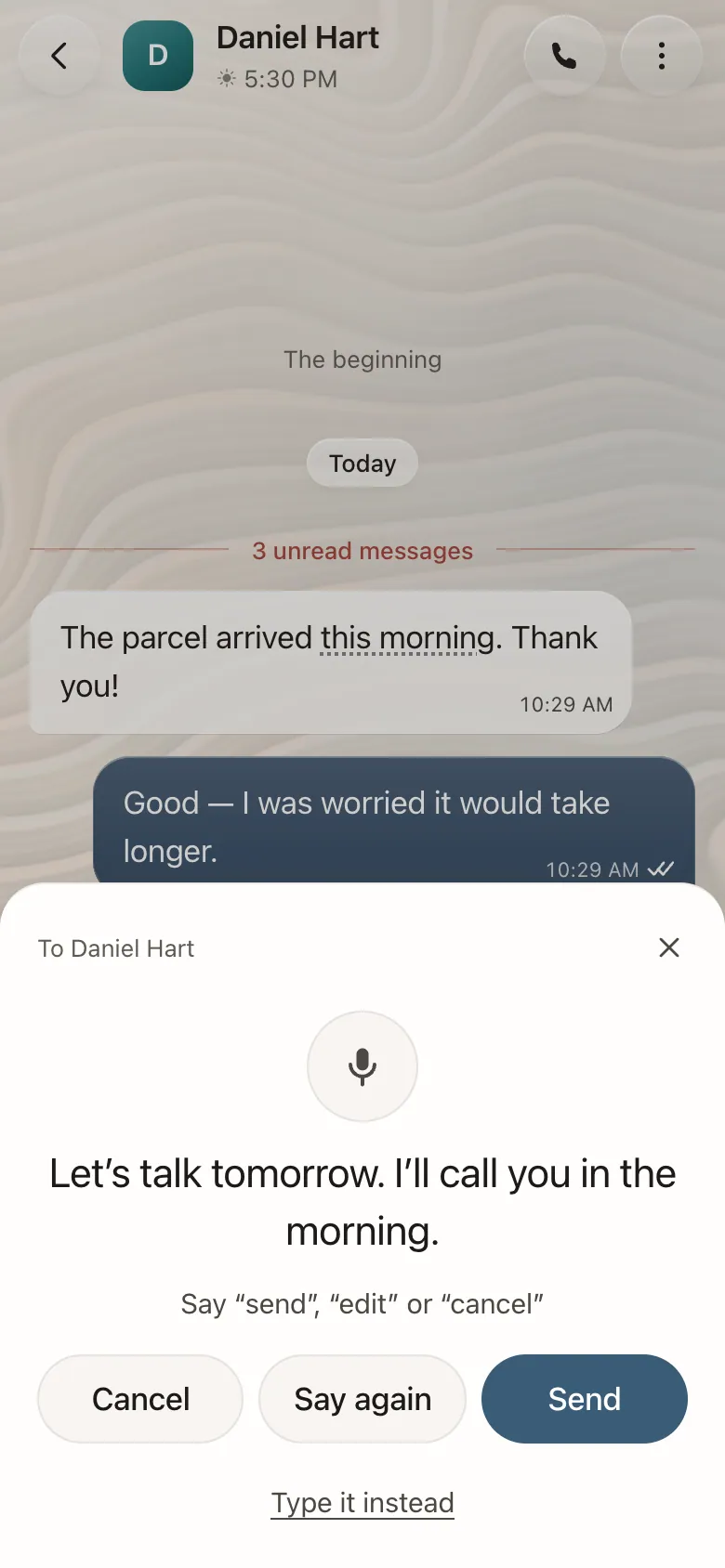
Dictate messages and hear them read aloud.
Dictate a message and check it before it goes. Have messages read aloud while you cook. Record a voice note, and read its transcript later.
- Dictation you check before sending
- Messages read aloud
- Voice notes with transcripts

Events
Weddings, birthdays and trips, planned in one chat.
Give a birthday, a wedding or a trip its own conversation, with a programme, a checklist, who’s doing what, and every contribution noted as it comes in.
- A programme and a checklist
- Roles for the people helping
- Contributions and pledges, kept in order
Moments
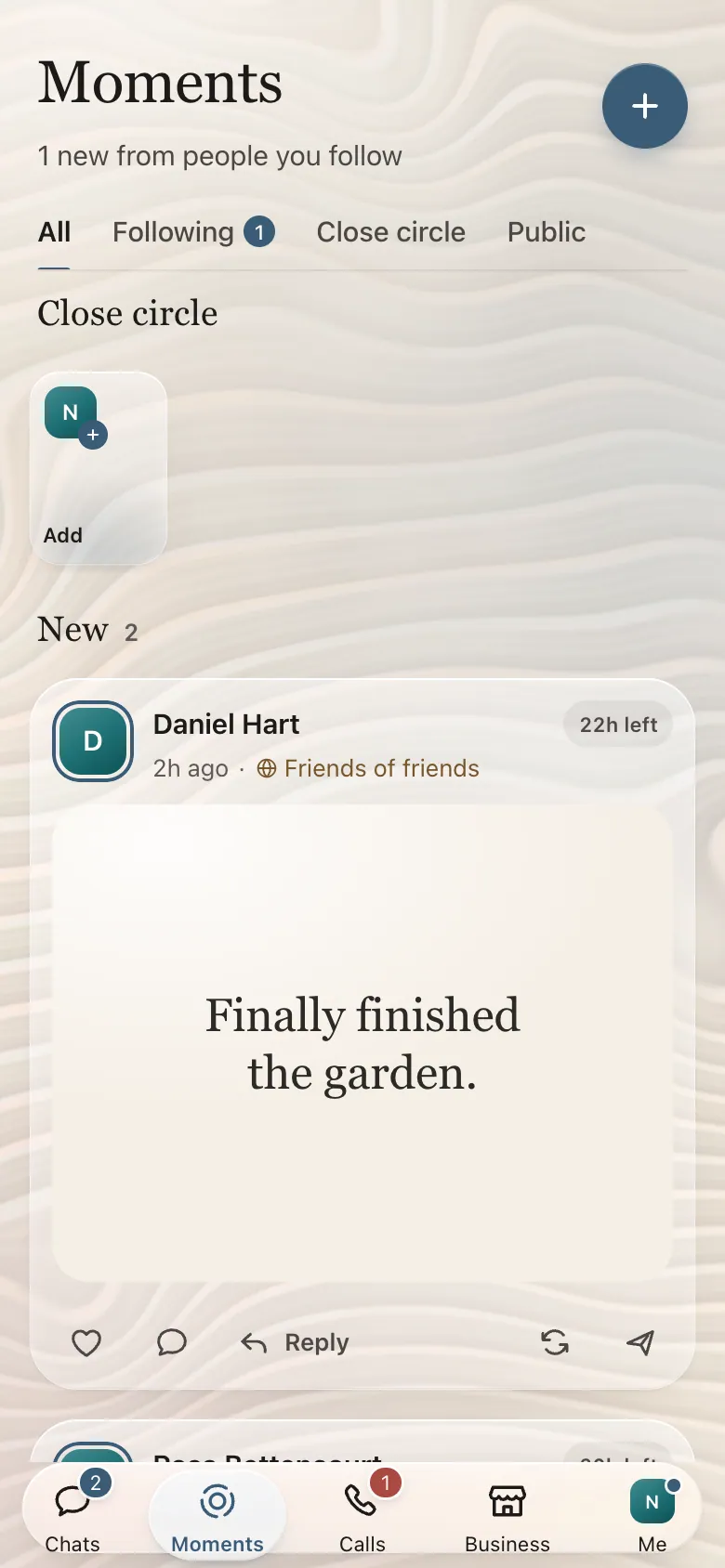
Share updates with the people you choose.
Post a photo, a video, a few words or a song. Share with your close circle or with everyone, and see who has posted something new.
- A close circle you pick yourself
- Comments and reactions
- Updates that last a day, or up to a week
My Room and Pearl Calendar
Alarms, birthdays and plans, in a room you decorate.
My Room keeps your alarms, birthdays and letters set to send later, and you furnish it however you like. Pearl Calendar holds your appointments and reminders, and you can add one straight from a message.
- Day, week and month
- Birthdays and reminders
- Shared plans across time zones

Pearl Library
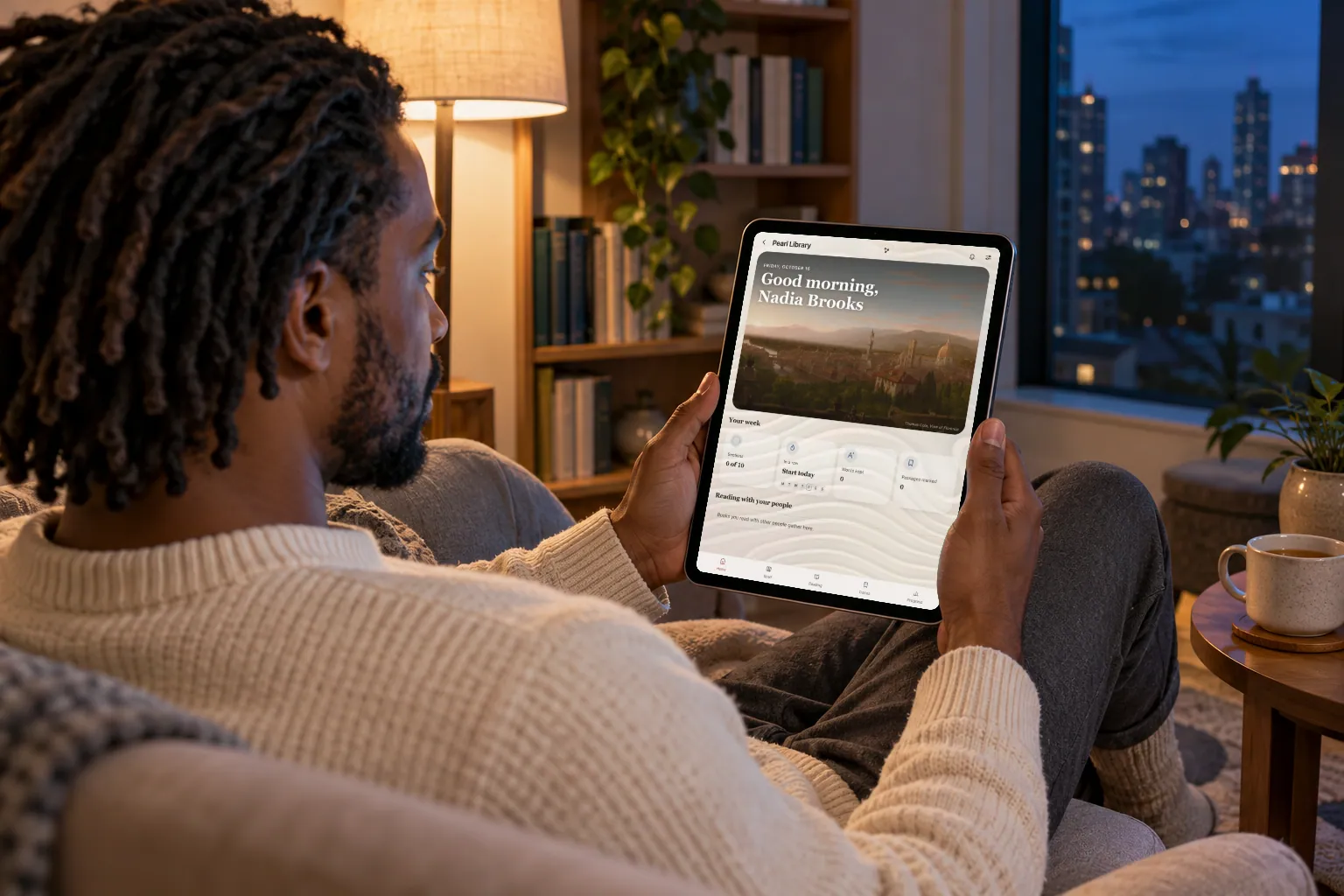
Books, audiobooks and reading rooms with friends.
Books and audiobooks from a free shelf of classics or your own files. Open a reading room to read with friends, keep highlights, and pick up exactly where you stopped.
- A free shelf of classics
- Reading rooms with friends
- Highlights, bookmarks and progress
Pearl Journal and Pearl Wellness
A private journal, and help with sleep and routines.
Write a page about your day. Every page is encrypted so only your own devices can open it. Pearl Wellness keeps track of sleep, activity and mood, and helps you plan routines around your week.
- Private journal pages, with prompts if you’re stuck
- Sleep, activity and mood
- Routines planned around your week

Pearl Move
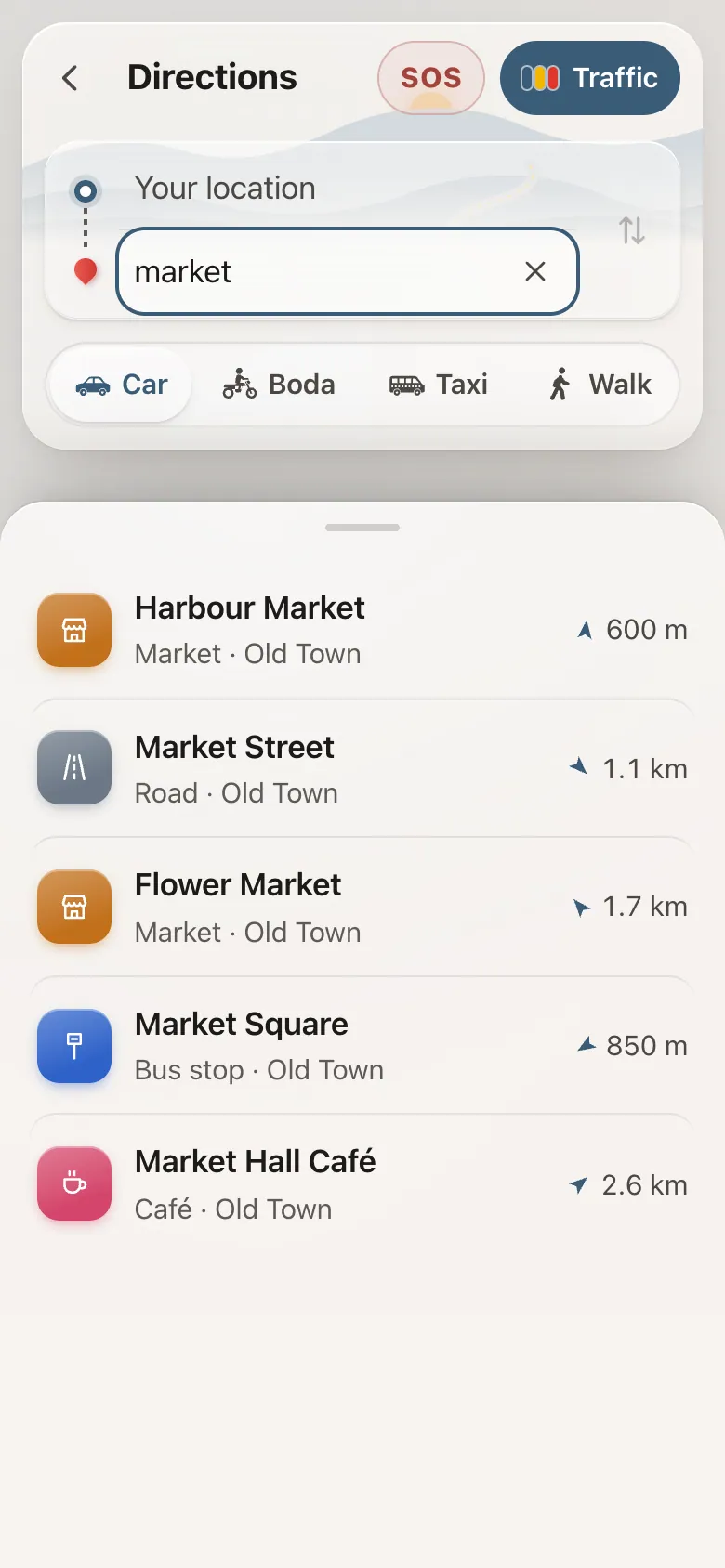
Find places and get directions.
Search for a place, a business or whatever is nearby, and get directions by car, motorbike or taxi, or on foot. Send a place to a chat and it opens in Pearl Move for them. Your saved and recent places stay on your device.
- Places, businesses and what’s nearby
- Directions by car, motorbike, taxi or on foot
- Saved places that stay on your device
Maps cover Uganda for now. More countries will follow.
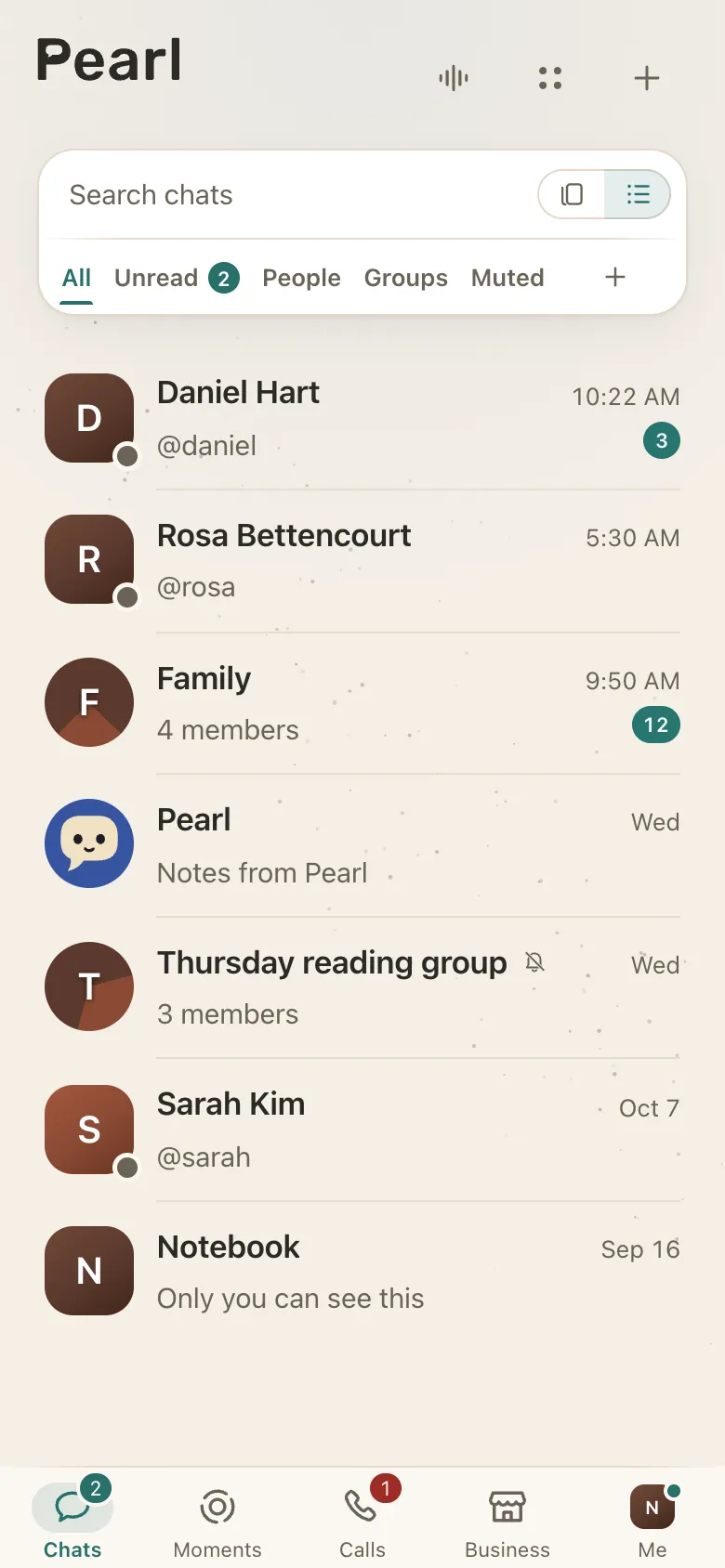
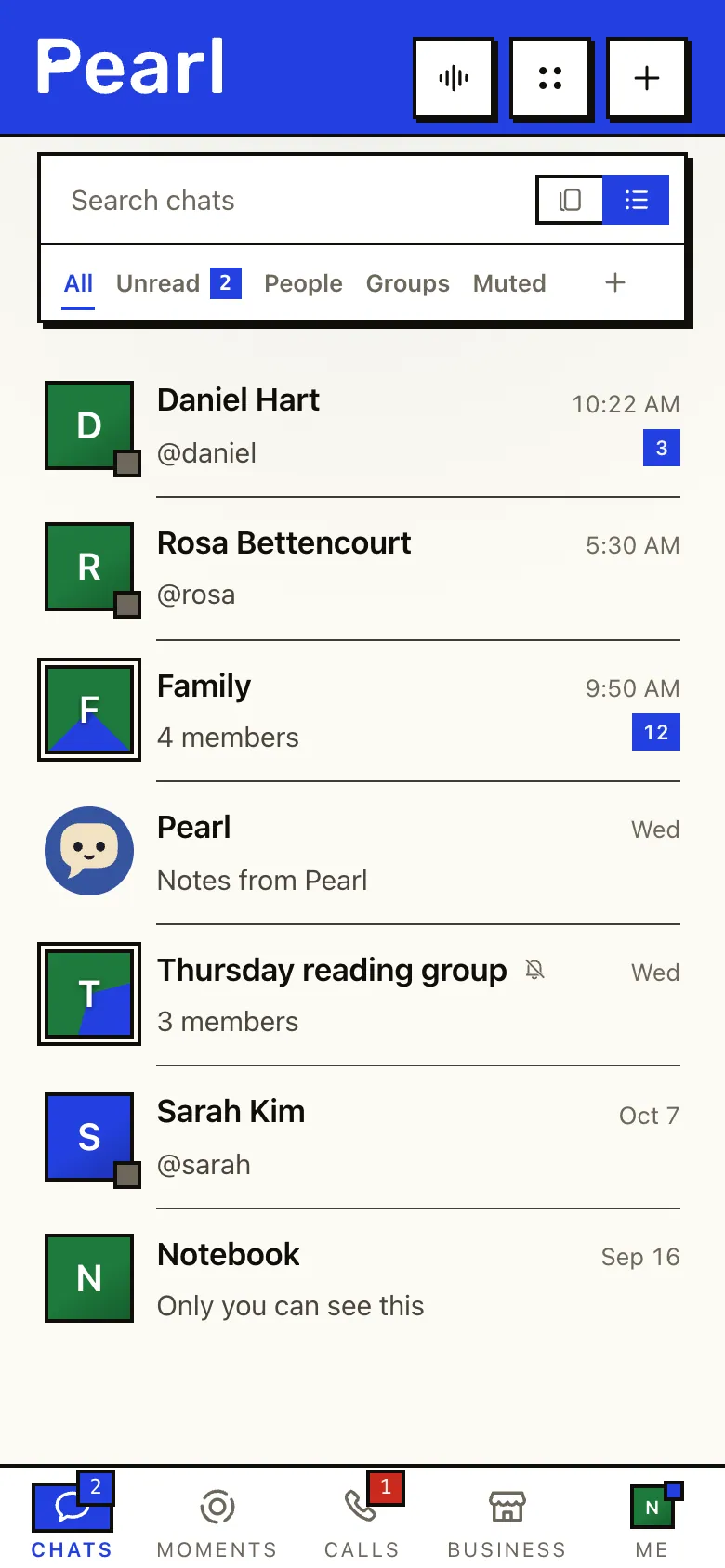
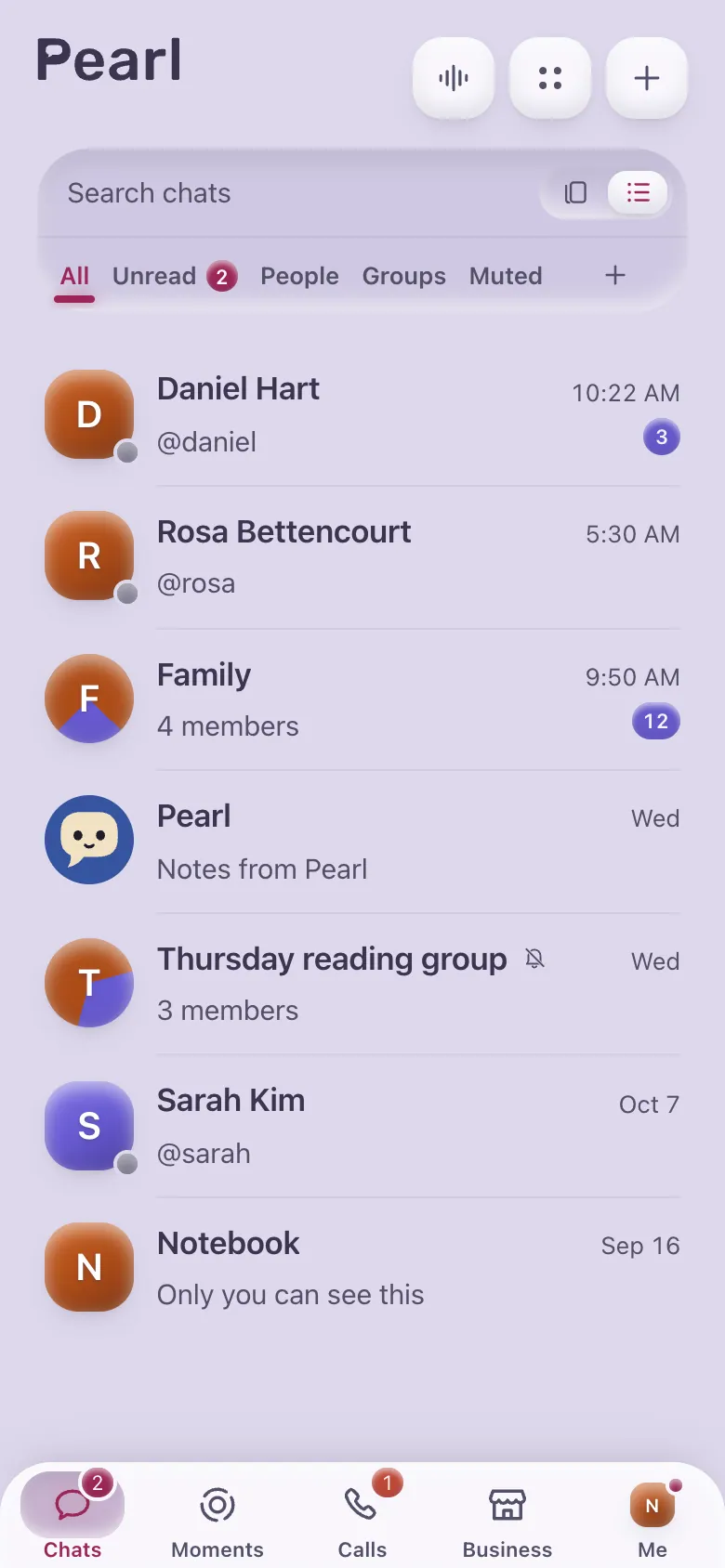
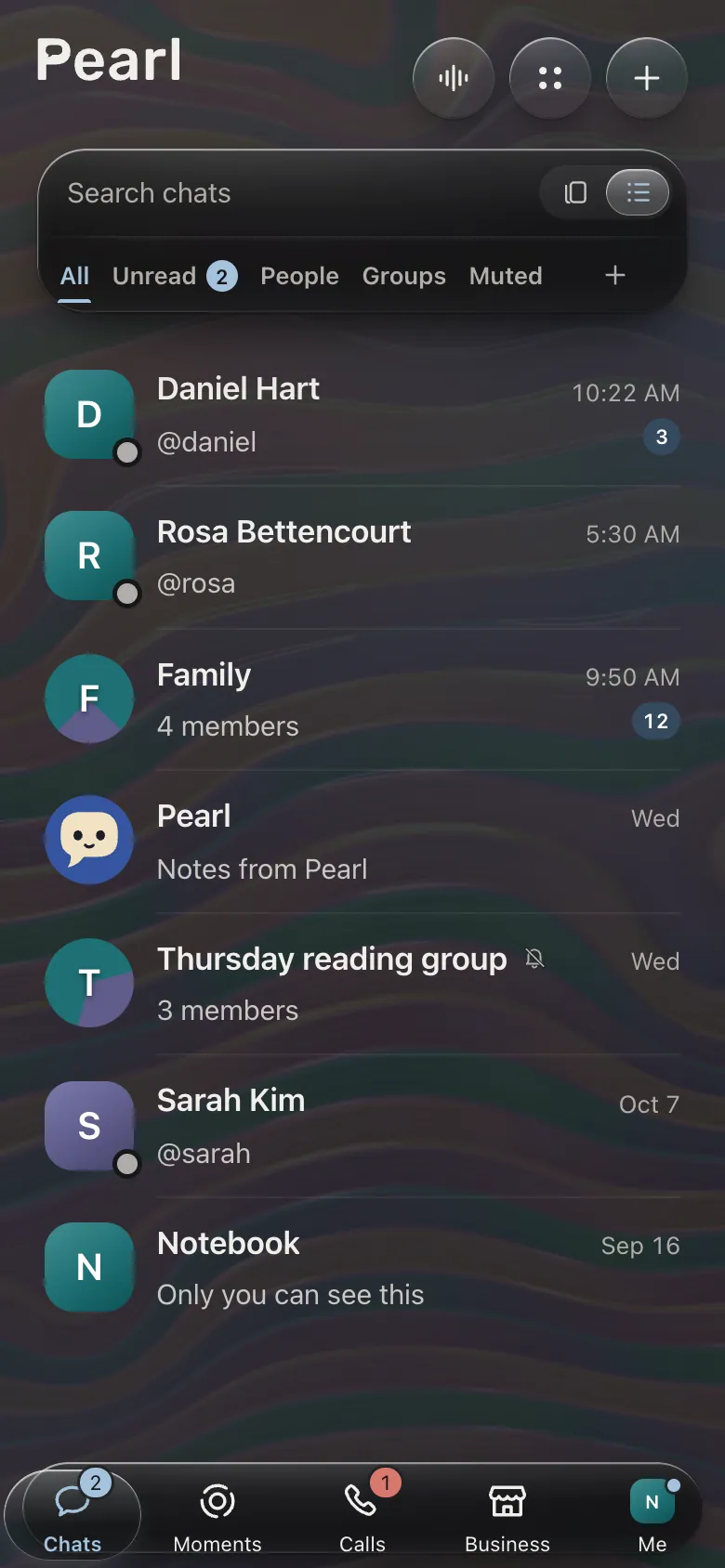
Choose how Pearl looks.
Pick from five styles, each in light or dark, and set a text size that’s easy on your eyes. Pearl fits phones, foldables, tablets and computers.
- Glass
- Classic
- Bold
- Sculpted
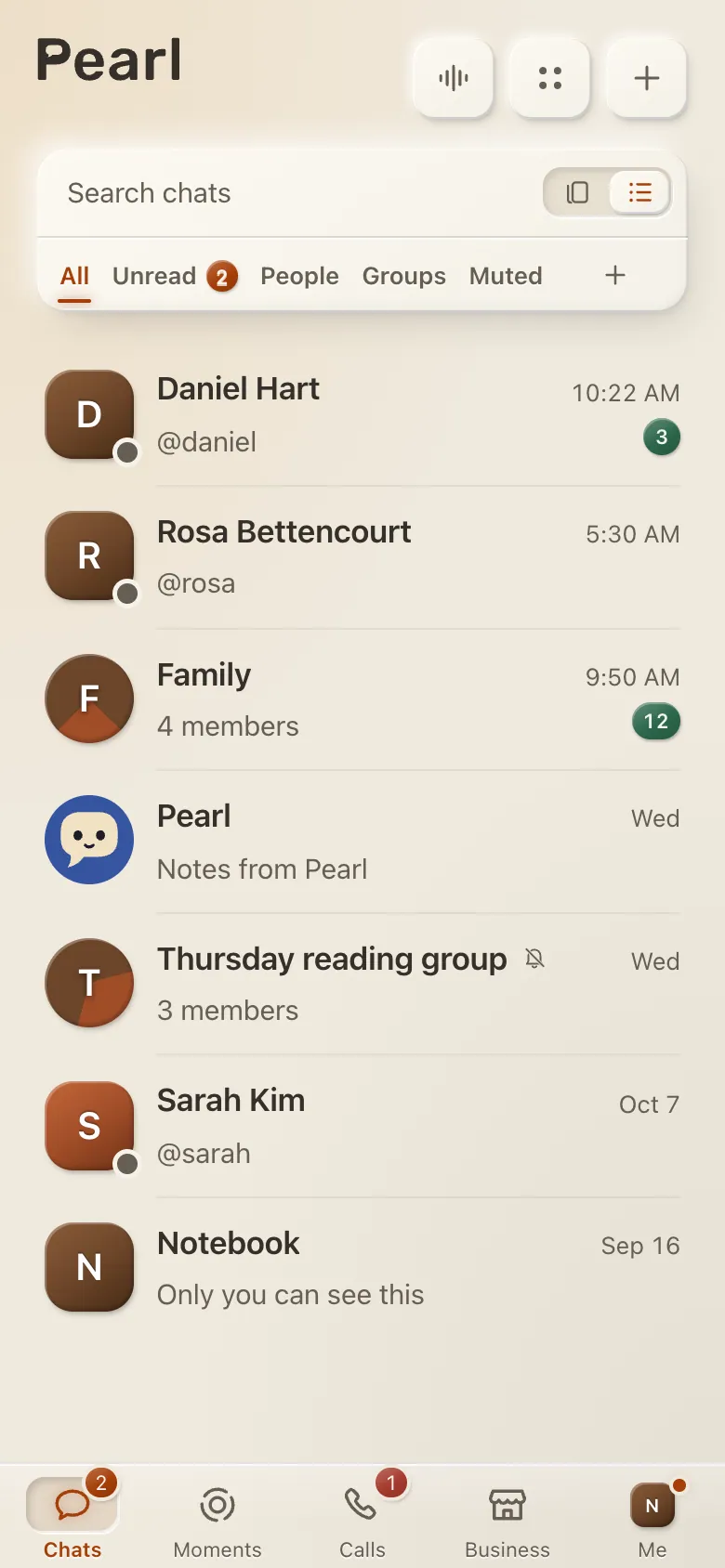
- Clay
- Glass, dark
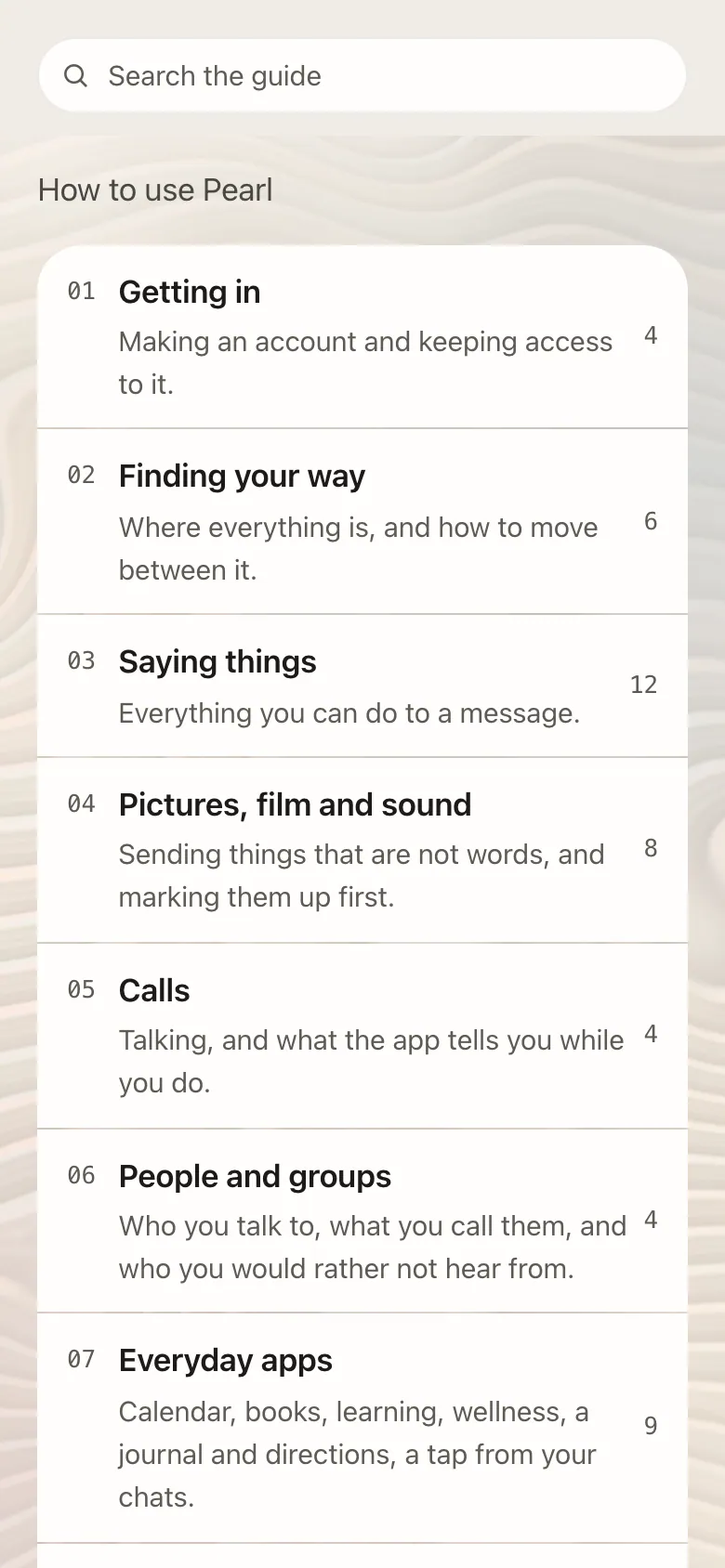
The Guide
The Guide shows you how Pearl works.
Open the Guide in Settings for short lessons on every part of Pearl. They play out on your own screen, in your language.
- Lessons for every part of Pearl
- Shown in the style you picked
- A support desk in the Hall when you need a person
Confidential chats
Stricter protection for sensitive conversations.
A separate space for approved accounts, in Pearl’s apps for phones and tablets. You meet the other person to begin, and every single message gets its own key.
- Keys made on your phone that never leave it
- Messages that delete after reading
- Screen capture blocked or reported
- A watermark on every viewer’s copy


See you on Pearl.
Install it on your phone, tablet or computer, or just open it in your browser and say hello.