Your account, explained.
How to prove your account, what an approved account is, and what a group invite link does.

- Prove your accountA proven account stays however long you’re away, and your reports count.
- Signing in, recovery and devicesMake sure you can always get back into your account, even on a new phone.
- Add a second lockWith a second lock on, a stolen password alone cannot sign you in.
- The ID badgeShow people that Pearl checked your passport or ID card, and that your name matches it.
- Help, notices and account standingRead Pearl’s notices, check your account standing and ask for help.
What the labels mean.
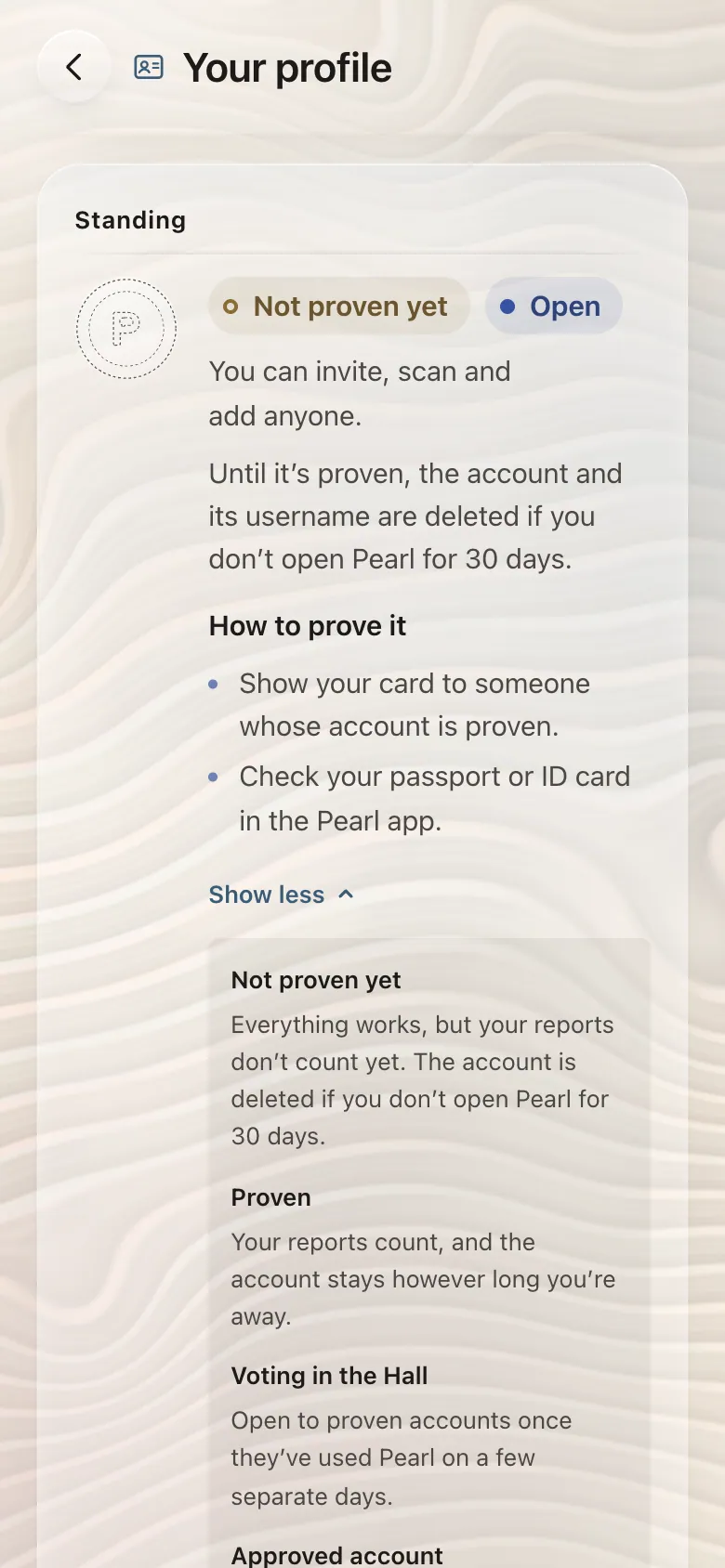
Not proven yet
Everything works, but your reports don’t count yet. The account is deleted if you don’t open Pearl for 30 days.
Proven
Your reports count, and the account stays however long you’re away.
Approved account
Pearl reviews the account when you ask. Confidential chats need it. It lasts a year.
ID badge
Pearl checked your passport or ID card, and your name matches it. Others see it beside your name.
Prove your account
Three ways to prove it.
Any one of these is enough.
- Show your card to someone whose account is proven.
- Add your phone number, where Pearl offers it.
- Check your passport or ID card in the Pearl app.
Until it’s proven, the account and its username are deleted if you don’t open Pearl for 30 days.
In PearlSettingsYour profile
Group invite links
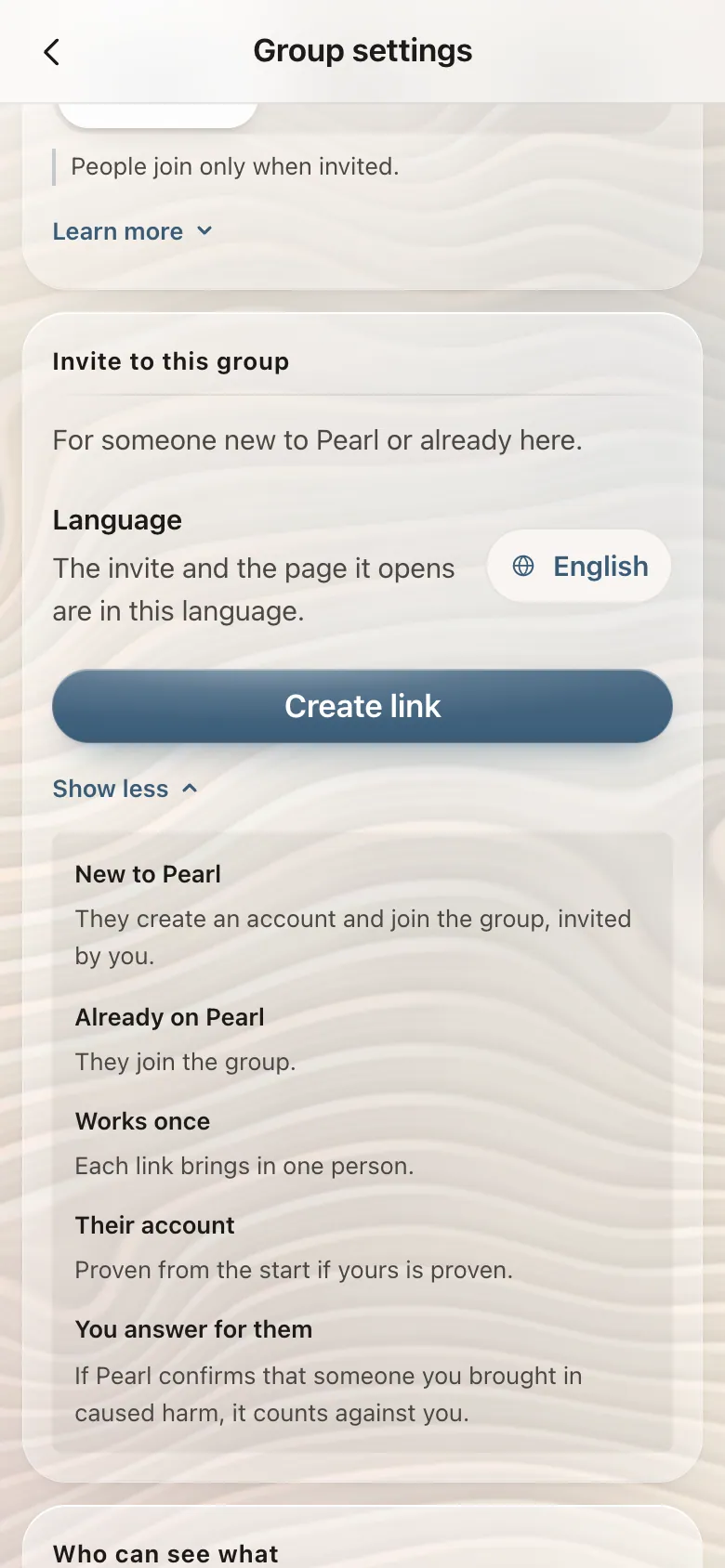
One link brings one person.
Bring someone into a group with a link, whether they’re on Pearl yet or not.
- Someone already on Pearl joins the group.
- Someone new creates an account and joins as your invite, proven from the start if your account is.
- Each link works once, for one person.
- If Pearl confirms that someone you brought in caused harm, it counts against you.
In PearlA groupThe group’s nameGroup settingsInvite to this group
Approved account
Approved is a separate step.
Pearl reviews the account when you ask. Confidential chats need it, and it lasts a year.
- You can ask once your account is proven, has a phone number, is at least 30 days old and hasn’t broken Pearl’s rules recently.
- Choose Ask for approval. Checking your passport or ID card speeds up the review.
- Pearl answers in the app. Renew it before it ends to keep it.
In PearlSettingsYour profileApproved account
ID badge
A mark beside your name.
It shows people that Pearl checked your passport or ID card, and that your name matches it.
- In the Pearl app on a phone, choose Get the badge.
- Pearl reads your document’s chip, then matches your face to its photo.
- Choose whether the mark shows beside your name.
- People see the mark and nothing else from the document.
- Pearl keeps the country, the expiry date, one-way codes of the number and the name, and whether your face matched. The photo stays on your phone.
- It shows only while your profile name matches the document, and hides when the document expires.
In PearlSettingsYour profileID badge

Still stuck?
Open the Hall in Pearl and write to our support desk. A person will answer.